
Paste the job
Drop in the posting URL or description. We pull what the employer is actually asking for.
On-the-go cover letters · Your voice
Match your resume to the posting, generate a tailored letter with AI, then edit in-app or export to Word / Google Docs. Built for people who apply while the listing is still open.
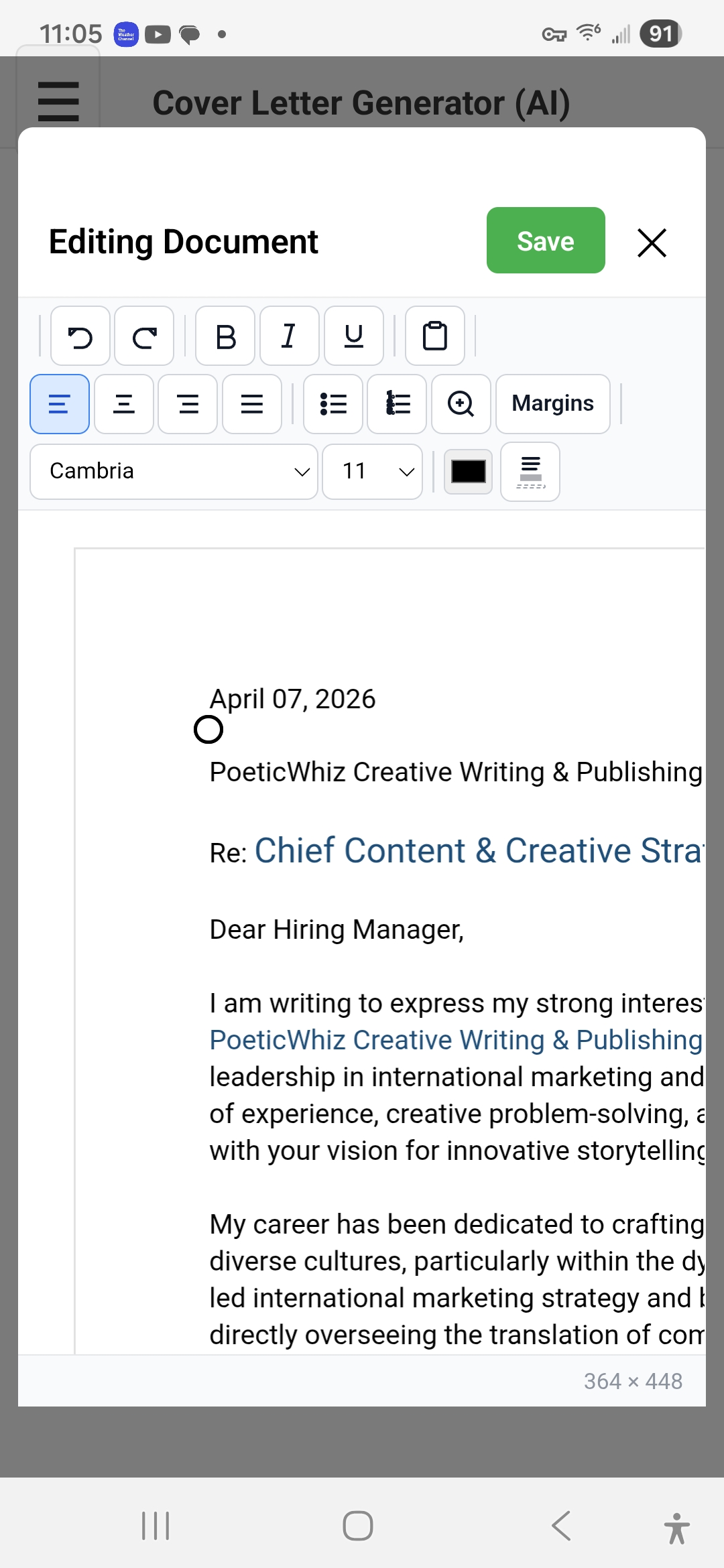
Here’s a real generated cover letter open in the in-app editor. Tweak fonts, margins, and wording, then save or export DOCX.
Three steps from job posting to a letter you can send—or finish in Docs.
Drop in the posting URL or description. We pull what the employer is actually asking for.
Choose the resume that fits this role. The letter reflects your experience—not a generic template.
Get a draft in minutes. Tweak in the app or open the DOCX in Word / Google Docs.
AI-generated—but tuned so recruiters hear you, not a chatbot.
“I am writing to express my interest in the open position at your esteemed company. I believe I would be a great fit…”
“Your posting asks for someone who has shipped hiring tools under deadline—exactly what I did leading the last ATS migration at…”
“I used to spend a whole evening on one letter. Now I draft while I’m still on the job page.”
— Early user, product manager
“The DOCX export matters—I finish polish in Google Docs the way I always have.”
— Early user, career switcher
“It finally stopped sounding like ChatGPT. Recruiters get my actual story.”
— Early user, software engineer
Your resume stays in your account for generating letters—see our Privacy Policy.
Not another blank chat box—workflow built around applications.
Each letter is grounded in the posting and the resume you choose—so keywords and proof points line up.
Apply while the listing is still open. Spend your time on the roles that matter, not formatting.
“Your voice” is the point. Steer tone and details so the letter reads like something you’d actually send.
Edit in the app or export DOCX and polish outside—whichever fits your process.
From login to a letter you can ship—tap any screen to enlarge. The highlighted screen is a generated letter.
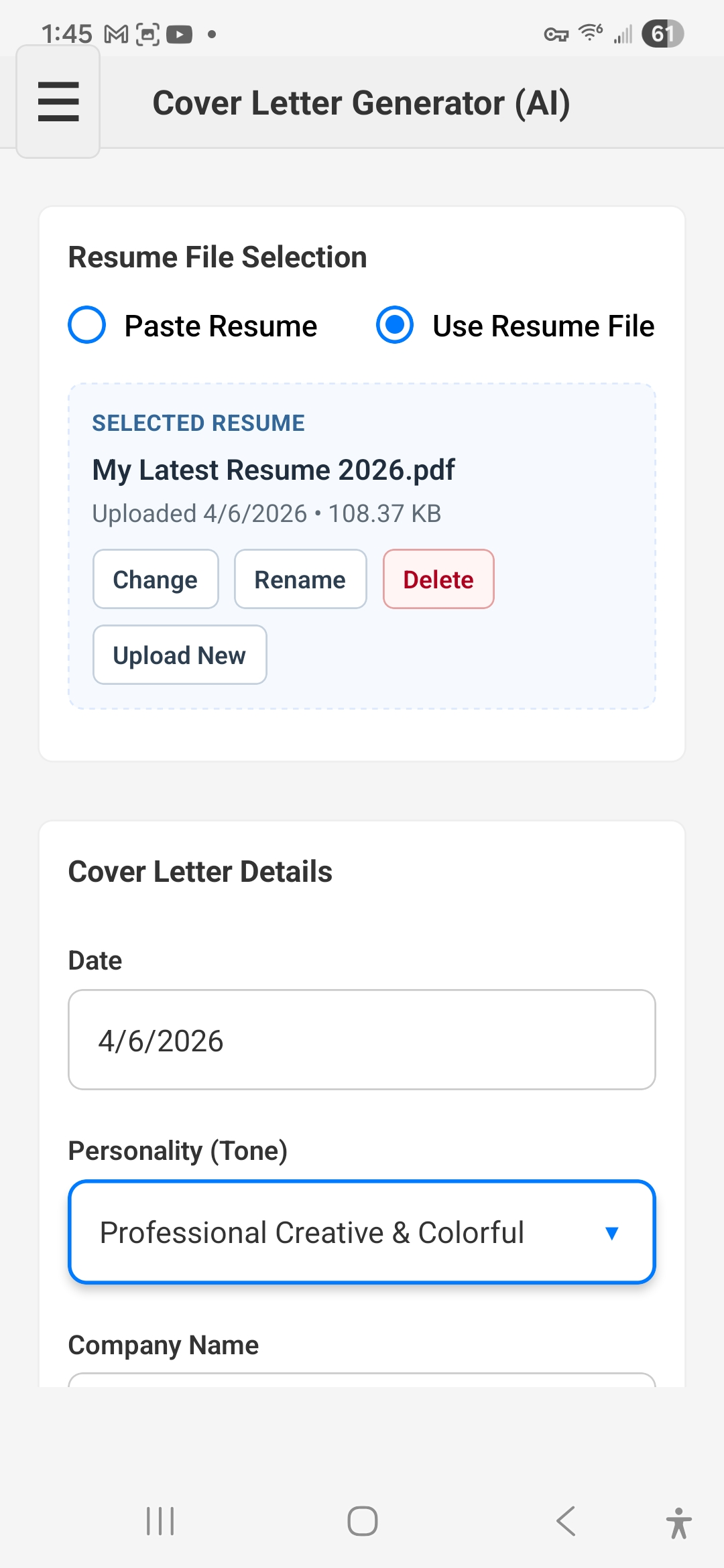
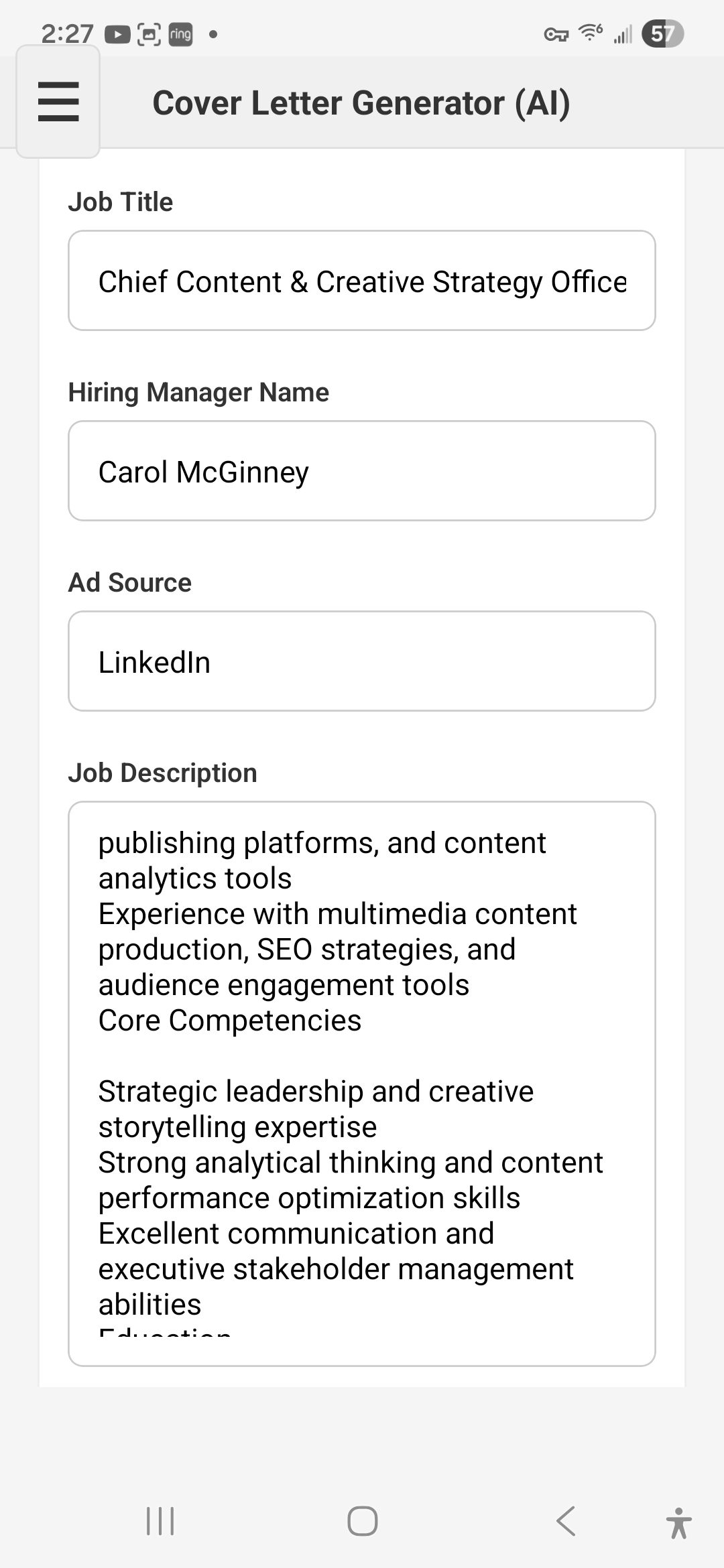
Same free trial on Web, Google Play, and the App Store. Web needs no install; mobile apps require install. Upgrade to Pro+ for higher limits and advanced models when you’re applying hard.
That’s the goal. Letters are grounded in your resume and the job posting, and you can edit tone before you send—or finish in Docs.
Yes—in the app, or export a DOCX and open it in Word, Google Docs, or another editor.
Resumes and generated letters are tied to your account for generating applications. Details are in our Privacy Policy.
Yes—try for free on all three. Web needs no install; Google Play and the App Store require installing the app.
Try for free on Web, Google Play, or the App Store.
Choose how you want to get started.